
Free Fire Advance Server APK & OB55 (2026)
The current Free Fire OB is OB55, live since September 16, 2026. Advance Server registration is closed until Garena opens the next testing window. This page tracks the APK, activation codes, and registration status.
- Requirements
- Android 5.0+
- Latest Version
- V68.54.0
- File Size
- 903 MB
- Category
- Action
- Developer
- Garena
- Current OB
- OB55
- Advance Server
- OB54 closed
- Current OB OB55
- Registration Closed
- APK Available
- Updated
The hosted APK is the closed OB54 testing build (V68.54.0). Registration and activation still go through Garena's portal at https://ff-advance.ff.garena.com/ when a window is open.
Last updated: September 2026 · Reviewed for OB54 · Independent informational site (not Garena)
What Is the Free Fire Advance Server?
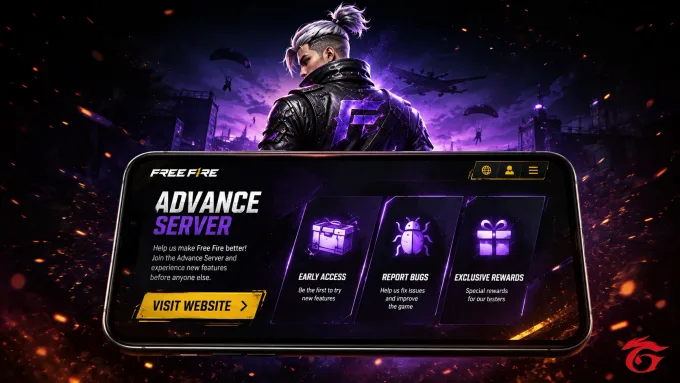
The Free Fire Advance Server is Garena's official beta testing program that lets selected players try upcoming features, balance changes, and content before global release. Access is limited to specific registration windows and, for most cycles, requires an activation code after selection through the official portal.
How Free Fire Advance Server Works
Each testing cycle opens for a limited window. Selected players get early access to experimental features, balance changes, weapons, maps, and other content planned for future OB releases—then Garena uses that feedback before the update goes live worldwide.
During a cycle, participants can report bugs and share gameplay feedback so technical and design issues are caught before the update reaches millions of players on the regular Free Fire client.
Access is not continuous: registration opens and closes with each OB testing period, and most cycles require an activation code after you are selected through the official portal.
This site organizes registration steps, APK download status, activation guidance, installation help, troubleshooting, and OB update notes in one place so you do not have to piece them together from scattered posts.
Advance Server vs. Regular Free Fire
Quick side-by-side view of how the testing build differs from the standard live game.
| Feature | Advance Server | Regular Free Fire |
|---|---|---|
| Access | Limited to selected, registered accounts | Open to all players |
| Content Timing | Upcoming / experimental features before global release | Stable, globally released content |
| Progress Saved | Does not carry over to the live game | Saved permanently to the player's account |
| Availability | Open only during announced testing windows | Available year-round |
| Download Source | Dedicated APK from the official Advance Server portal | Official app stores (Play Store / App Store) |
| Purpose | Beta testing, bug reporting, feedback | Everyday gameplay |
| Cost | Free, but access is limited | Free to play |
What OB54 Advance Server Tested
Global Free Fire is now OB55 (live September 16, 2026). The themes below are commonly reported highlights from the closed OB54 Advance Server cycle (V68.54.0), not a new open test.
-
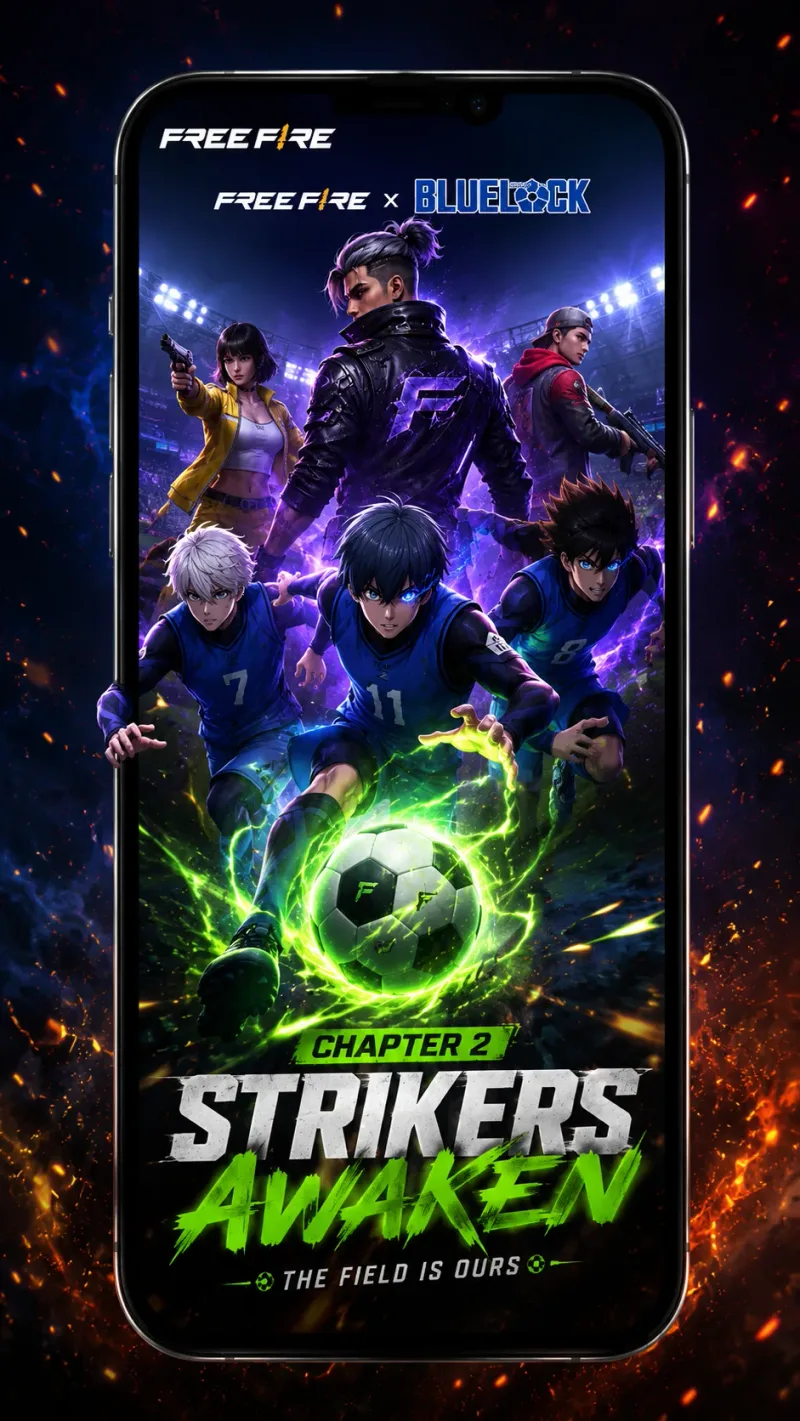
Blue Lock Chapter 2 Collaboration
OB54 coverage widely points to a Blue Lock Chapter 2 collaboration wave — anime-inspired bundles, cosmetics, and limited-time event content tied to the update cycle.
-
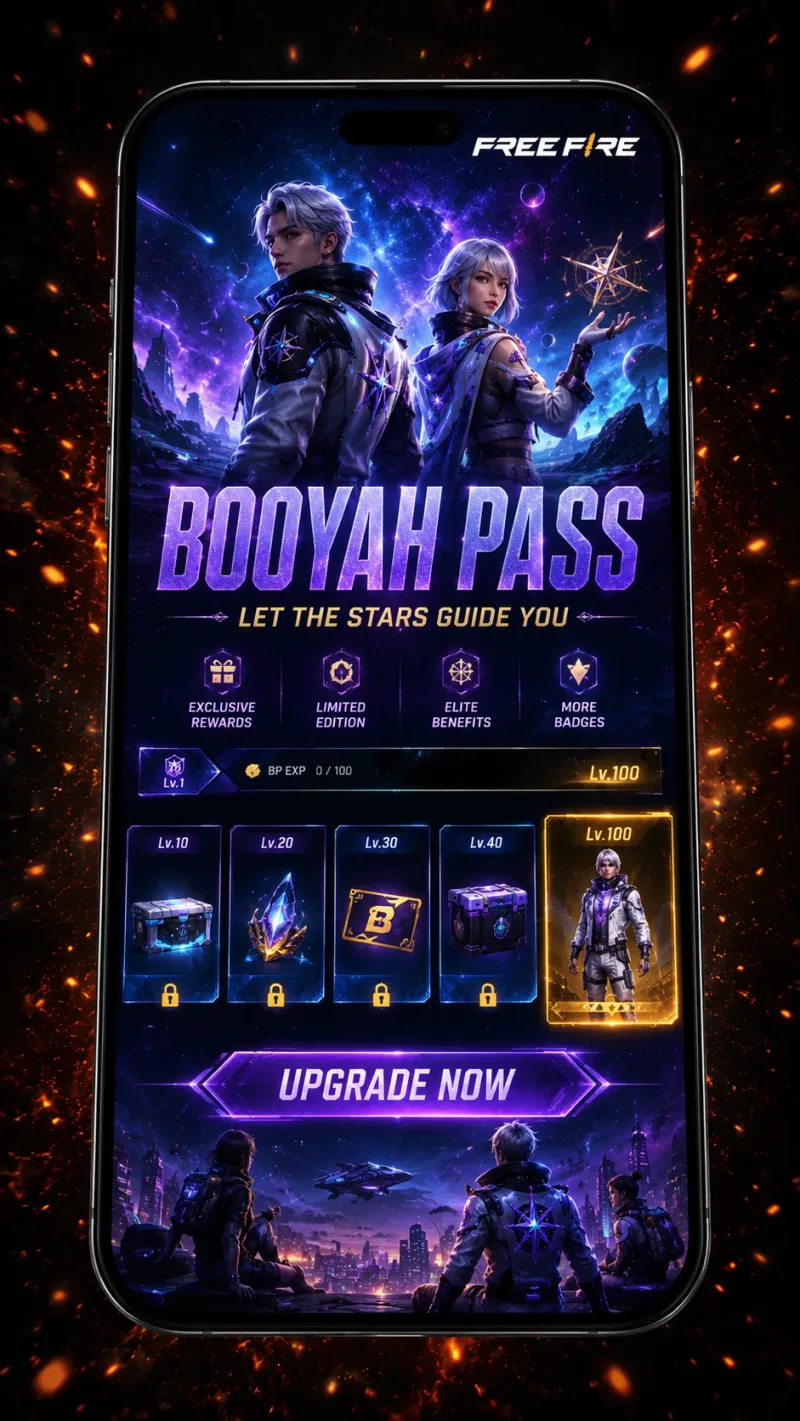
Space-Themed Booyah Pass
The June Booyah Pass for this cycle is commonly described with an Outer Space theme — cosmic cosmetics, progressive pass rewards, and collector-focused unlocks.
-
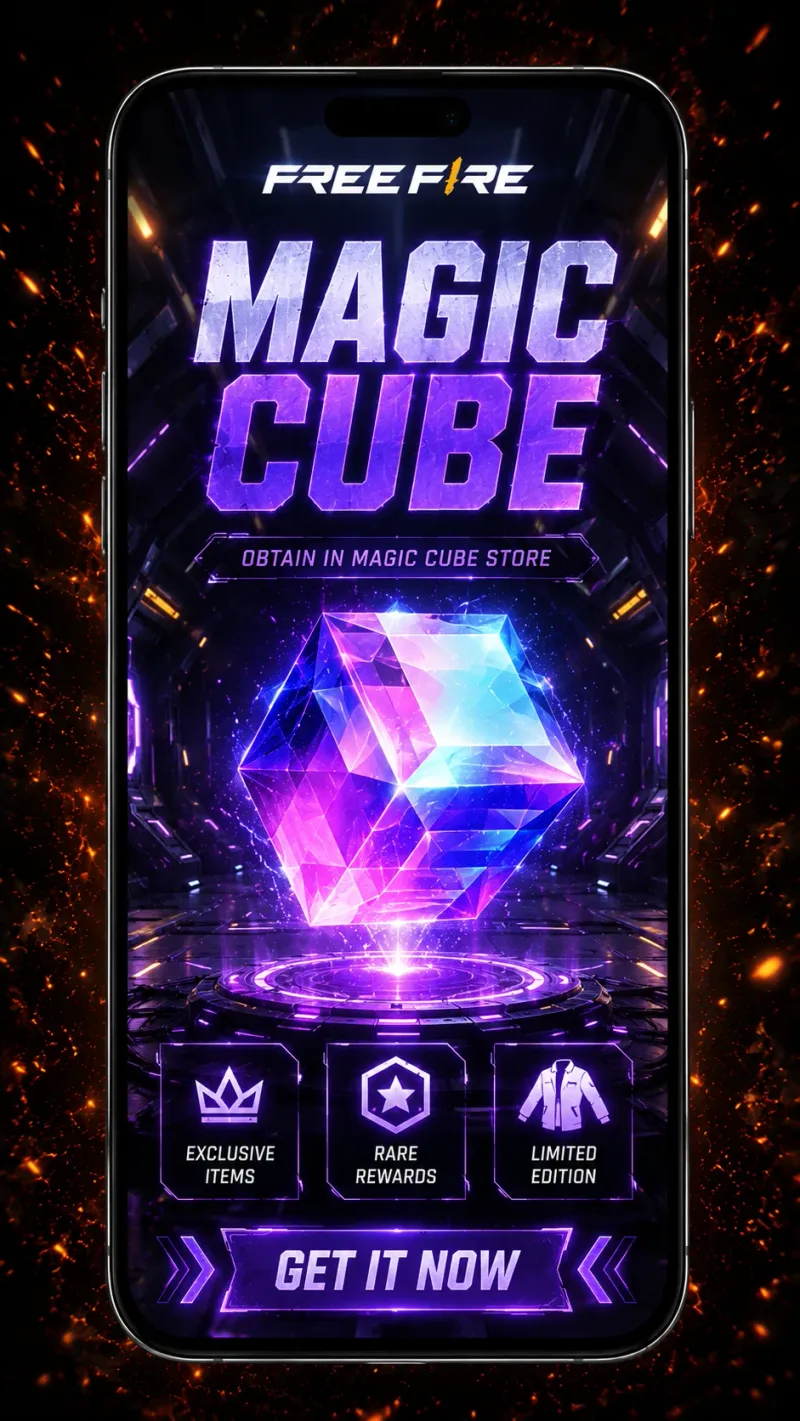
Free Magic Cube Opportunities
Anniversary-linked OB54 reporting often highlights Magic Cube giveaways or event tracks. Exact drop rules can differ between Advance Server testing and the live update.
-
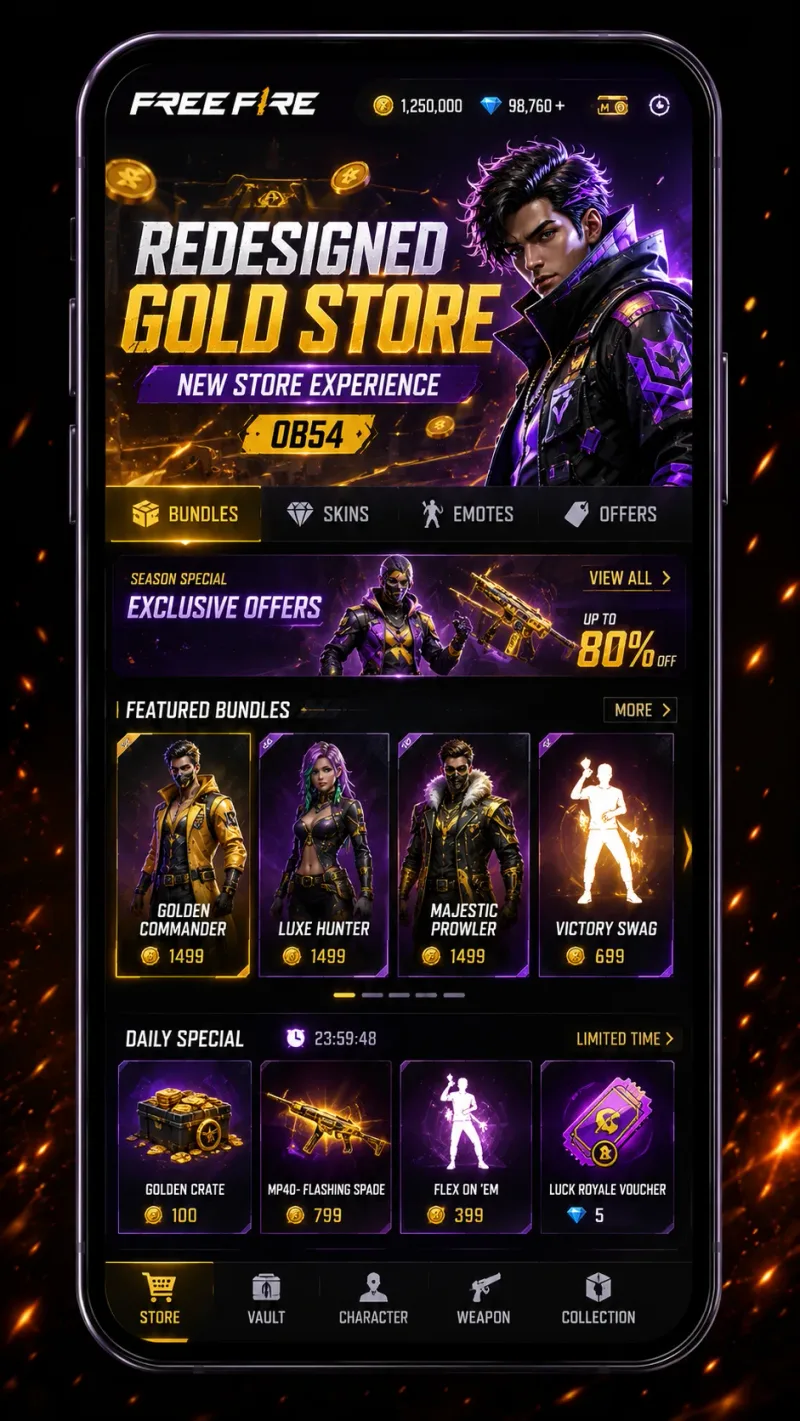
Redesigned Gold Store
Store and lobby refresh themes are a frequent OB54 talking point — clearer browsing for bundles, weapon skins, emotes, and seasonal offers during the update window.
-
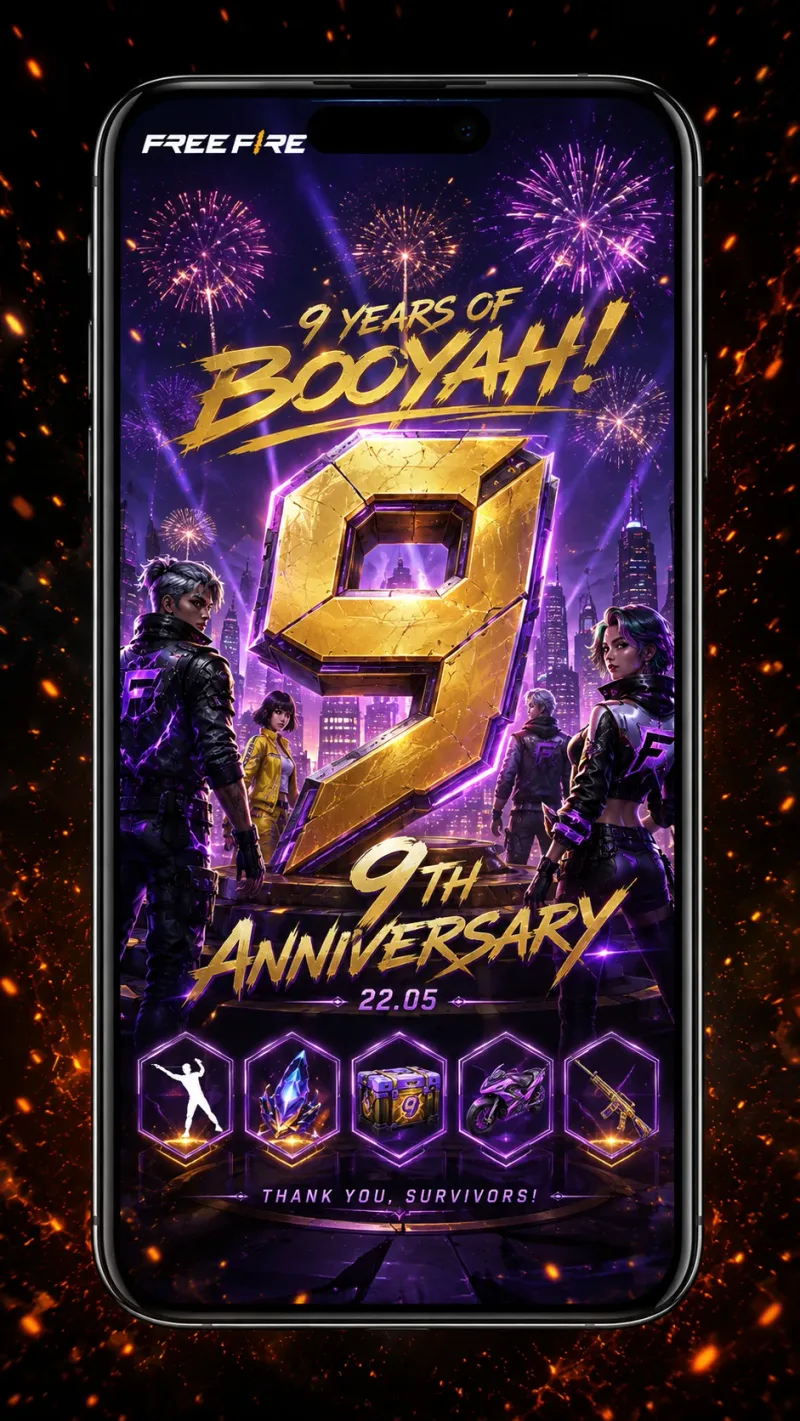
Free Fire 9th Anniversary Celebration
OB54 aligns with Free Fire’s 9th anniversary period, bringing milestone events, limited modes, and community-focused rewards around the global rollout window.
Eligibility Criteria to Test Free Fire OB54 Advance Server
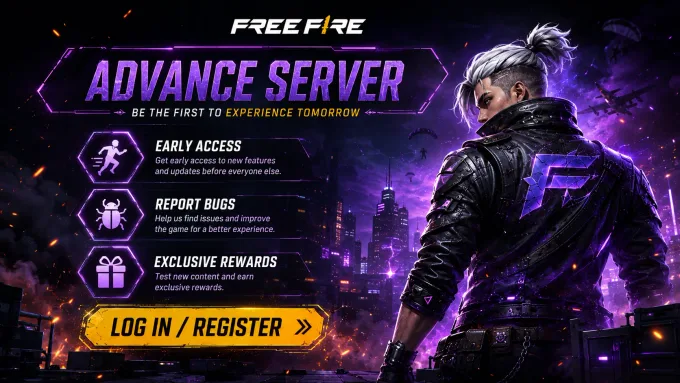
Use these confirmed basics before you register or install the Advance Server APK. Selection is limited each cycle — meeting the basics improves your readiness, but it does not guarantee access.
- Official Portal Registration Register only through Garena’s official Advance Server portal at https://ff-advance.ff.garena.com/ during an open window. Unofficial signup sites are not part of the process.
- Supported Account Sign in with a supported Free Fire account on the portal and keep using the same account for registration, activation, and Advance Server login.
- Limited Selection Submitting a registration request does not guarantee selection. Garena reviews applications and approves a limited number of accounts each cycle.
- Compatible Android Device The Advance Server APK targets Android devices meeting Android 5.0+. Confirm free storage before installing the current build (903 MB).
- Activation Often Required Most testing cycles require an activation code after selection before you can log into the Advance Server client.
- Willingness to Test & Report Advance Server access is for active testing — explore new content, note bugs, and follow Garena’s feedback guidance when a cycle is open.
How Free Fire Advance Server Registration Works
Registration is the first step to joining the Advance Server. Eligible players sign in through the official registration portal during an active registration period. Depending on the cycle, access may also require an activation code after selection.
- Registration Required Sign in during an active registration period to request Advance Server access.
- Activation Code Most testing cycles require a unique activation code before login.
- Official Portal Register through the official Advance Server registration portal.
- Limited Access Access is limited and availability can change with each OB cycle.
Unlike the standard Free Fire game, the Advance Server does not remain open throughout the year. Garena opens registration for a limited time before each major testing cycle, then reviews submissions once the window closes.
Approved participants may then receive access to download the Advance Server APK. Many cycles also require an activation code afterward — without it, logging into the testing server may not be possible.
What Is a Free Fire Advance Server Activation Code?
An activation code is a private access key Garena issues to selected Advance Server accounts. After you install the testing APK, the code confirms your account was approved for that OB window so you can enter the beta environment.
- Unique per selected account Codes are meant for approved players in a specific cycle. Another player’s code will not unlock your login, and public “working code” dumps are almost never legitimate.
- Separate from registration Registering on the official portal only submits your application. Selection and activation usually happen later — many cycles still require a code before login works.
- Required for most OB windows For OB54, activation is currently marked Yes. Without a valid code when the client asks for one, the Advance Server typically will not let you in.
- Never buy or paste random lists Ignore sellers, generators, and copied code lists on social media. Use only the code delivered through official Garena channels for your registered account.
Latest OB Update Timeline
Every Advance Server testing cycle follows a structured timeline, from registration and APK availability to beta testing and the official global release. Staying informed about each phase helps players avoid missed registration windows and download the correct version.
-
Step 1 – Registration Opens
Players can submit their registration through the official Advance Server portal during the announced registration period.
-
Step 2 – Registration Closes
Garena reviews registrations and prepares eligible accounts for the testing phase.
-
Step 3 – APK Becomes Available
The latest Advance Server APK is released for approved participants to download and install.
-
Step 4 – Beta Testing Begins
Selected players can access upcoming content, test new gameplay features, report bugs, and provide feedback.
-
Step 5 – Testing Ends
The Advance Server closes while Garena reviews reports and finalizes improvements.
-
Step 6 – Official OB Update
Tested features are gradually released to the global version through the next OB update.
Although the general testing process remains similar for every release, exact registration dates, APK availability, and testing durations can vary. Before joining any testing cycle, always verify the latest registration status and download the APK that matches the current OB version.
For complete release information, visit our Latest OB Updates page where every testing cycle, patch note, and major announcement is documented.
Explore Free Fire Advance Server Resources
Everything on this website is organized into dedicated guides so you can quickly find the information you need. Instead of searching across multiple websites, explore detailed resources covering downloads, registration, updates, troubleshooting, and official announcements.
- Download APK Download the latest verified Advance Server APK and check version information.
- Registration Guide Learn how to register for the next testing cycle and understand eligibility requirements.
- Activation Code Guide Understand how activation codes work, who receives them, and what to do if your code doesn't work.
- Login Guide Resolve common login problems, account issues, and access errors.
- Latest OB Updates Follow every testing cycle, release timeline, and feature rollout.
- Installation Guide Step-by-step instructions for installing the APK safely on supported Android devices.
- Troubleshooting Guides Solutions for installation failures, login errors, update issues, and compatibility problems.
- Latest News Stay informed about official announcements, events, and important Advance Server updates.
Why Join the Free Fire Advance Server?
The Advance Server gives selected players an opportunity to experience future Free Fire content before its global release while helping improve the game through testing and feedback.
Joining the Advance Server allows players to experience upcoming gameplay changes before they become available to everyone.
New characters, weapons, pets, gameplay mechanics, map improvements, and interface updates are often introduced here first, giving testers an early look at future content.
Another important benefit is contributing directly to game quality. During each testing period, Garena encourages participants to identify bugs, report technical issues, and share gameplay feedback.
These reports help developers fix problems before the update reaches the global player base.
The Advance Server is also valuable for content creators, competitive players, and community members who want to understand future gameplay changes ahead of official releases.
By following each testing cycle, players can prepare for new features and adapt to upcoming balance changes more quickly.
- Early Access Early access to upcoming content
- Bug Testing Help identify bugs before global release
- Future Features Opportunity to test new gameplay features
- Feedback Access official beta testing information
- Balance Changes Prepare for gameplay balance changes
- Rewards Stay informed about future updates
How Testers Earn Diamonds During OB54 Advance Server
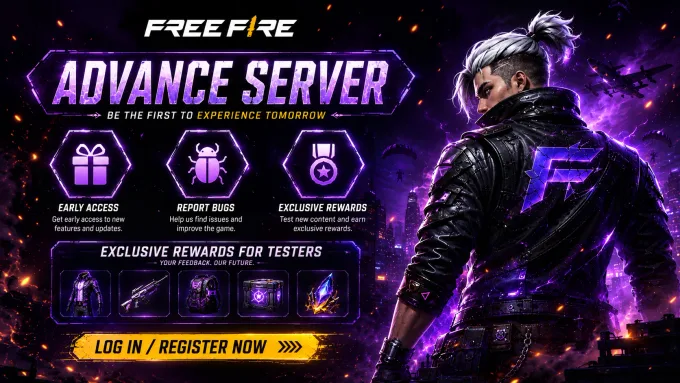
One legitimate reason players join the Advance Server is Garena’s bug-feedback path. When a testing window is open, selected players can explore new content, document real issues, and submit reports through official in-app or portal tools. Useful unique reports may be rewarded with diamonds on the main Free Fire account after review — amounts and timing are set by Garena for each cycle.
-
Play the current testing build
Install the matching Advance Server APK, activate if required, then explore new modes, characters, weapons, UI changes, and maps tied to the cycle.
-
Capture reproducible issues
Note crashes, broken abilities, map collision errors, UI freezes, audio glitches, and anything you can reproduce with clear steps — vague “game laggy” notes are usually less useful.
-
Submit through official report tools
Use the in-game bug / feedback option while the server is online, or follow instructions on Garena’s Advance Server portal (https://ff-advance.ff.garena.com/). Include UID, device model, steps to reproduce, and screenshots or short video when possible.
-
Wait for review
Garena reviews reports after submission. Duplicate, incomplete, or already-known issues often earn nothing. Verified unique reports may be rewarded later on your main account — not inside Advance Server inventory.
What a useful report usually includes
- Clear description What broke, where it happened, and what you expected instead.
- Steps to reproduce Exact sequence another tester (or Garena) can follow to see the same bug.
- Account & device context Advance Server UID, device model, and Android version help triage.
- Evidence Screenshots or short clips beat text-only claims when the issue is visual or intermittent.
What about diamond amounts?
Public sites often publish fixed “minor / major = X–Y diamonds” tables. Garena does not guarantee those third-party numbers for every OB cycle.
What we can say safely: verified unique bugs may earn diamonds on the live account; reward size depends on report quality, uniqueness, and Garena’s review for that window; duplicates and incomplete reports usually get nothing.
Treat any viral list of guaranteed diamond payouts as marketing — confirm guidance inside the official Advance Server client or portal for your cycle.
Key Takeaways
- The current global Free Fire OB is OB55, live since September 16, 2026. Advance Server registration is closed.
- OB54 Advance Server themes (collaborations, Booyah Pass, anniversary rewards, store updates) are from the closed testing cycle and are summarized below.
- Advance Server access always starts with the official Garena registration portal, never a third-party signup page.
- Eligibility basics include a supported account, Android APK readiness, limited selection, and often an activation code after approval.
- Public activation-code dumps and diamond generators are not official — use Garena’s portal and in-app report tools only.
- Verified unique bug reports may earn diamonds on the live account after Garena’s review; payouts are not a fixed public table.
- Progress, inventory, and ranks earned on the Advance Server do not transfer to the live Free Fire servers.
- This hub links out to dedicated Download, Registration, Activation, Login, and Schedule guides for step-by-step detail.
Frequently Asked Questions
What is the current Free Fire OB version?
What is the Free Fire Advance Server?
What is new in Free Fire Advance Server OB54?
Who is eligible for the Advance Server?
Is the Advance Server free?
Do I need an activation code?
Can I earn diamonds on the Advance Server?
Can iPhone users join the Advance Server?
How often does Garena release a new Advance Server?
What happens after testing ends?
Can I keep using the APK after testing?
Are all tested features released globally?
Is downloading the Advance Server APK safe?
Where can I check the latest registration status?
Does progress carry over?
Where do I find my activation code?
Can I use the APK without registration?
Can I play on Free Fire MAX?
Sources & Verification
Verification: Homepage status fields (registration, APK, activation) are cross-checked against the official Advance Server portal each time CURRENT_OB is updated.
This website is an independent informational guide. It is not operated by, affiliated with, or endorsed by Garena.
Ready to Join the Next Advance Server?
Stay prepared for the next testing cycle by checking the latest registration status, downloading the correct APK version, and following our detailed guides for registration, installation, and activation.