Status
Registration
Closed
Free Fire Advance Server registration is closed. The live global update is OB55, since September 16, 2026. This guide covers eligibility, the official portal, and what to do when Garena opens the next testing window.
Last updated: September 2026 · Reviewed for OB54 · Independent informational site (not Garena)
Advance Server registration is the official application step where eligible players sign in through Garena's portal during a limited window to request beta access for an upcoming testing cycle. Submitting registration does not guarantee selection — Garena reviews applications and approves a limited number of accounts, which may then receive an activation code.
Closed
2026-06-05 – 2026-06-18
V68.54.0
September 2026
Confirm these basics before you start the Advance Server registration process.
Use these confirmed basics before you register or install the Advance Server APK. Selection is limited each cycle — meeting the basics improves your readiness, but it does not guarantee access.
Free Fire Advance Server registration is handled through Garena's official registration portal during limited windows before each major testing cycle. Unlike the standard Free Fire game, Advance Server access is not permanently open, so players must register while the portal accepts new applications.
During an active registration period, eligible players visit the official portal, sign in with a supported account, and complete the registration form for the current testing cycle. After you submit, Garena reviews applications and prepares selected accounts for the beta phase.
Selection is not always instant. Some players may receive confirmation quickly, while others wait until registration closes and review is finished. Availability can depend on region, account type, device readiness, and the needs of that specific OB testing period.
Registration itself is only the first step. After approval, players usually wait for APK availability and — in most cycles — an activation code before they can log into the Advance Server. For full activation details, see our Activation Code Guide.
These are two separate steps in the same process — registration alone does not unlock access.
| Feature | Registration | Activation Code |
|---|---|---|
| What It Is | Application submitted through the official portal | Unique access key issued to selected accounts |
| When | During the announced registration window | Usually after registration closes and review begins |
| Who | Any eligible player who signs in during the window | Only accounts approved during selection |
| What It Unlocks | Consideration for selection in the current cycle | Login access to the Advance Server build |
| If Missing | No application on file — cannot be selected for this cycle | APK installs, but login into the testing server is blocked |
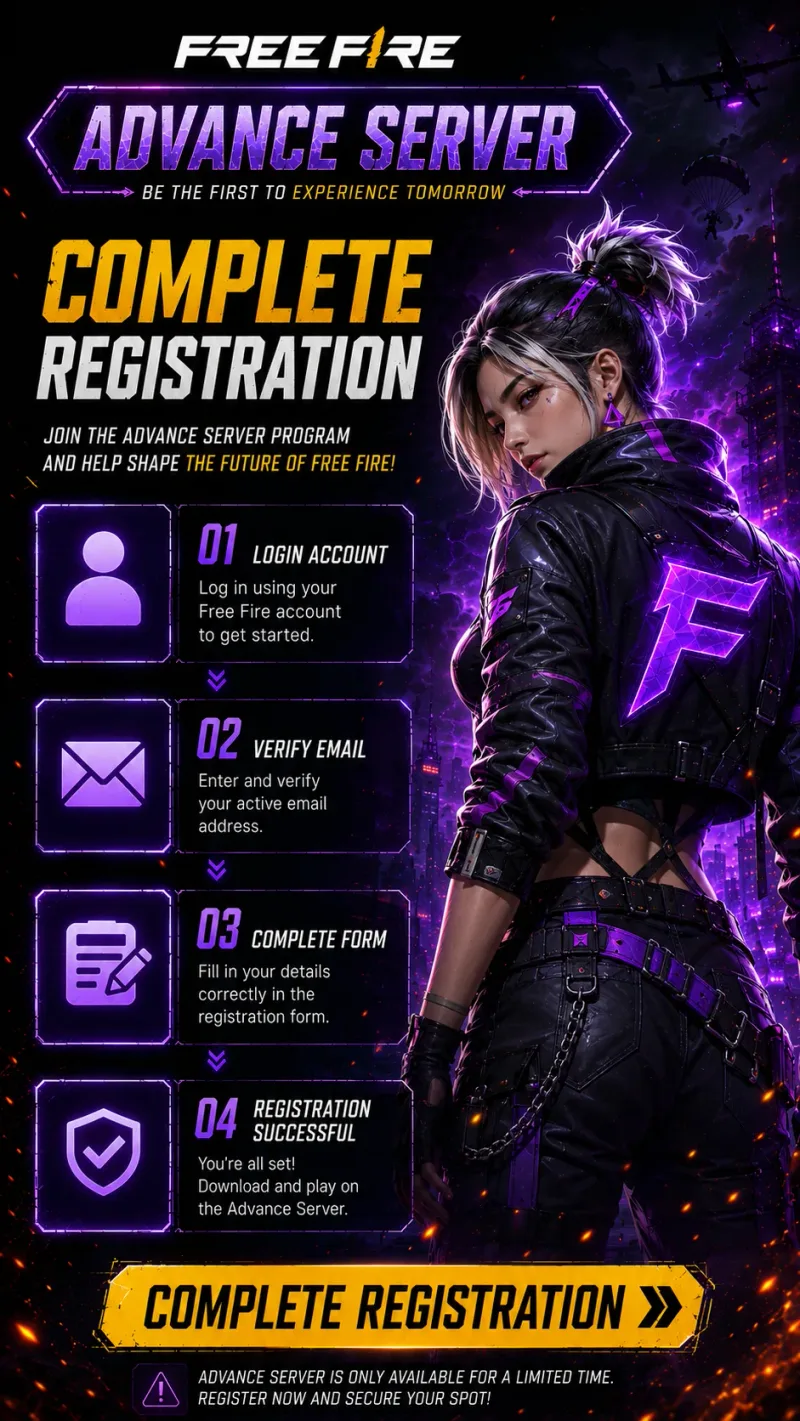
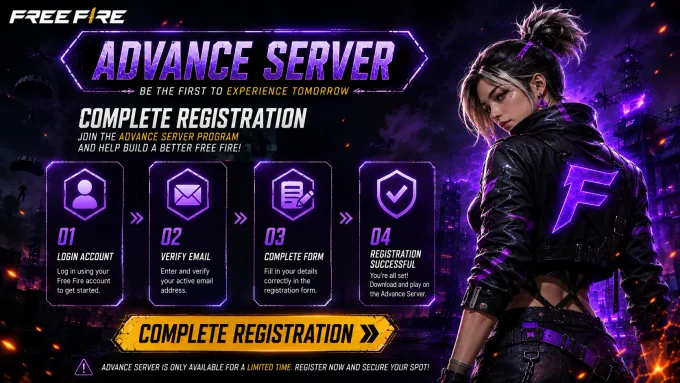
Use this process during an open registration window. Exact portal screens can vary by cycle, but the flow stays similar.
Open Garena's official Advance Server registration portal while registration is active.
Sign in with a supported Free Fire account used for the testing cycle.
Provide the required registration details for the current Advance Server release.
Submit your application and confirm that registration completed successfully.
Wait for Garena to review registrations and prepare eligible accounts.
If required for the cycle, receive your activation code before logging into the beta.
After you submit registration, your application enters a review period. Garena evaluates registrations and prepares eligible accounts for the upcoming Advance Server testing window. Not every application is guaranteed to receive access for every cycle.
When selection is complete, approved players typically receive access information for that testing period. In many releases, this includes readiness to download the Advance Server APK and an activation code that unlocks login after installation.
APK availability usually follows registration and selection. Once the build is published for the cycle, approved players download the correct version, install it on a supported Android device, sign in, and complete activation if required.
Because each OB cycle can differ, always verify the latest registration status, download the matching APK, and follow the activation instructions for the current release before attempting to play.
An activation code is a unique access key used in many Free Fire Advance Server testing cycles. After you install the Advance Server APK, the code verifies that your account was selected for the beta and allows login to the testing environment.
Activation codes are required because Advance Server access is limited. They help Garena control participation, reduce unauthorized installs, and keep each testing window tied to approved accounts.
Who receives a code can vary by cycle. Typically, selected registered players receive activation details through official channels after registration review. Registering does not always guarantee an immediate code, especially if registration is still open or selection is incomplete.
These are the issues players hit most often while registering for the Advance Server.
Wait for the next cycle — a closed portal means the current registration window has ended.
If the portal shows registration is closed, the current window has ended. Wait for the next Advance Server cycle and check this page for updated open dates.
Read MoreCheck your account type and connection first — portal login failures are usually not account-specific bans.
Portal login failures often relate to unsupported account types, network issues, or temporary portal outages during high traffic registration periods.
Read MoreThis is normal — codes go out after selection, not immediately at signup.
Codes are usually issued after selection, not immediately at signup. Confirm you registered successfully and follow the Activation Code Guide for the current cycle.
Read MoreRetry later on a stable connection — official portals can slow down under high traffic when registration opens.
Official portals can slow down or fail when registration opens. Between cycles Garena’s Advance portal often returns Forbidden — that usually means the window is closed, not that a third-party signup is required.
Read MoreNo action needed — your application is already on file for that cycle.
If the portal says you already registered, your application is on file for that cycle. Extra submissions usually are not required unless Garena announces otherwise.
Read MoreConfirmed dates for the current Advance Server registration cycle.
Players can submit registration through the official portal.
The portal stops accepting new registrations for the cycle.
The Advance Server APK becomes available for approved participants.
Selected players can log in, test features, and submit feedback.
Verification: Registration window dates and status on this page are synced with CURRENT_OB and cross-checked against the official Advance Server portal.
This website is an independent informational guide. It is not operated by, affiliated with, or endorsed by Garena.
Check the current registration status, complete the official portal steps while the window is open, then download the Advance Server APK when the build is available.